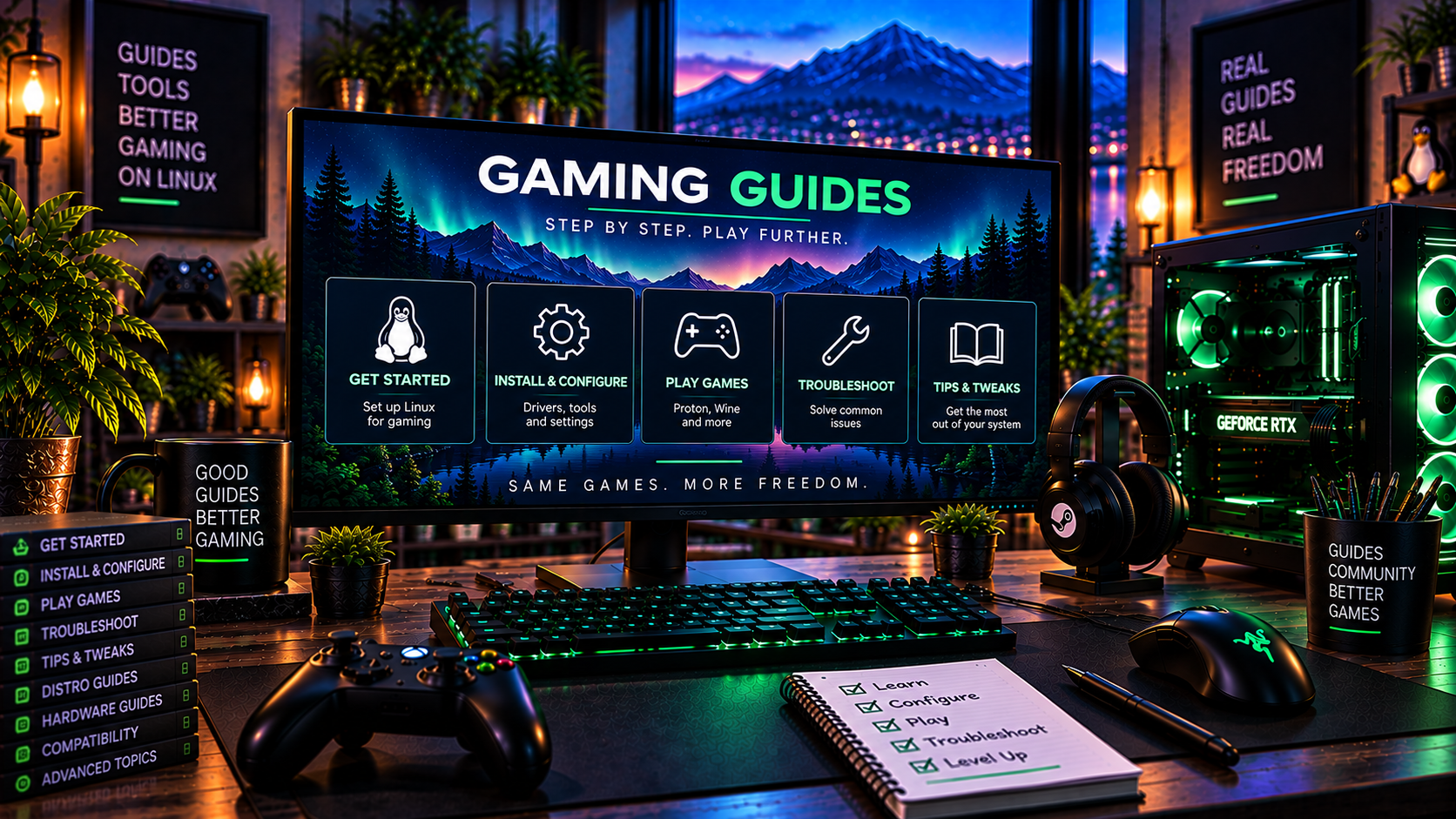
Linux Gaming Guides
Start with the task in front of you
Migration, installation, Steam, Proton, hardware and troubleshooting without the extra noise.
Before switching
Check your games
Start with the games you actually play, including anti-cheat and launcher requirements.
Plan the move
Switching from Windows
Work through backups, applications, hardware and whether you want to keep Windows available.
Choose an approach
Compare Linux distros
Compare gaming preparation, maintenance and hardware considerations across the distros covered here.
Install Linux
6-step installation guide
Go from ISO download to a clean Linux install on an SSD or NVMe drive.
After installation
Linux gaming setup
Update the system, check graphics, set up Steam and test one game before adding extras.
Compatibility layer
Understanding Proton
Learn what Proton does, why versions differ and why some anti-cheat systems remain a separate issue.
Devices and drivers
Linux gaming hardware
Check GPUs, PCs, handhelds, controllers, storage and display support.
Useful software
Linux gaming tools
Browse free and open-source launchers, recovery, performance, recording and video tools.