GamingLinux
Gaming on Linux,
Made Easy.
Check game compatibility, compare Linux distributions, and review setup and hardware information in one place.
New to Linux? Start with game compatibility, then review your setup options.
GAMES • DISTROS • HARDWARE • GUIDES
Will this game run on Linux?
Search a Steam game to see a community compatibility summary from ProtonDB, then check recent player reports before you decide.
Compatibility can change after game, Proton, launcher, driver, or anti-cheat updates. Always check recent ProtonDB reports and the game’s Steam Community discussions for current player experiences.
What do you want to do?
Start with the part of Linux gaming you need help with.
+
Games
Learn how to check game compatibility, Proton requirements and anti-cheat limitations.
>_
Distros
Compare five Linux distributions by hardware, gaming preparation and maintenance.
▣
Hardware
Check GPUs, controllers, handhelds and storage against your Linux gaming needs.
≡
Guides
Find a starting point for migration, Steam, Proton, drivers and troubleshooting.
Free & open-source software
Linux Gaming Tools
Launchers, recovery, performance monitoring, recording and video editing.
YOUR NEXT CHAPTER
New to Linux Gaming? Start Here.
START HERE
Switching from Windows
A practical path from a Windows gaming PC to Linux without unnecessary complexity.
START HERE
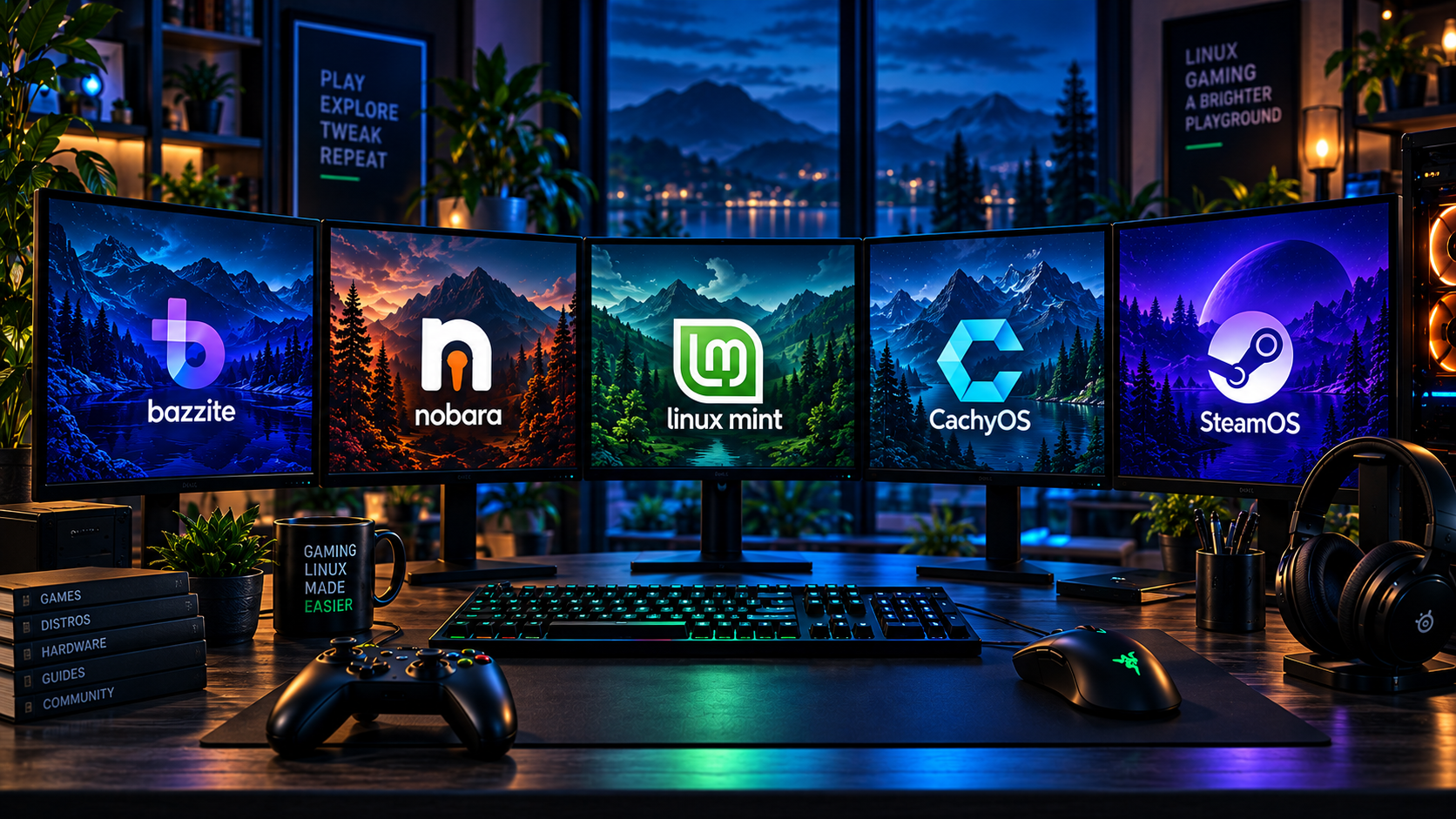
Choose Your Gaming Distro
Compare Bazzite, Nobara, Linux Mint, CachyOS and SteamOS without a universal ranking.
START HERE
Set Up Linux for Gaming
Learn about Steam, Proton, drivers, controllers, and the basics needed to start playing.
THE GAMINGLINUX READING LIST
Featured GamingLinux Guides
DISTROS
Choose a Gaming Distro
Compare update models, hardware needs and gaming preparation.
DISTROS
Bazzite for Gaming
Understand prepared images, desktop choices and system rollback.
HARDWARE
Linux Gaming Hardware
Check driver support and device features before choosing hardware.
GUIDES
Switching from Windows
Plan backups, check essential games and decide how to keep Windows available.
YOUR LIBRARY. YOUR NEXT STEP.
Will Your Games Work on Linux?
Check the exact game, store and multiplayer mode before switching. Learn how to weigh official information, recent reports and the limits of Proton.
GAME COMPATIBILITY
Start with your essential games
Record the game, storefront, required mode and date of the evidence. A successful launch is only part of the answer.
Linux Gaming Hardware
A practical checklist for driver support, setup effort, device features and the limits that matter to your games.
GPUs
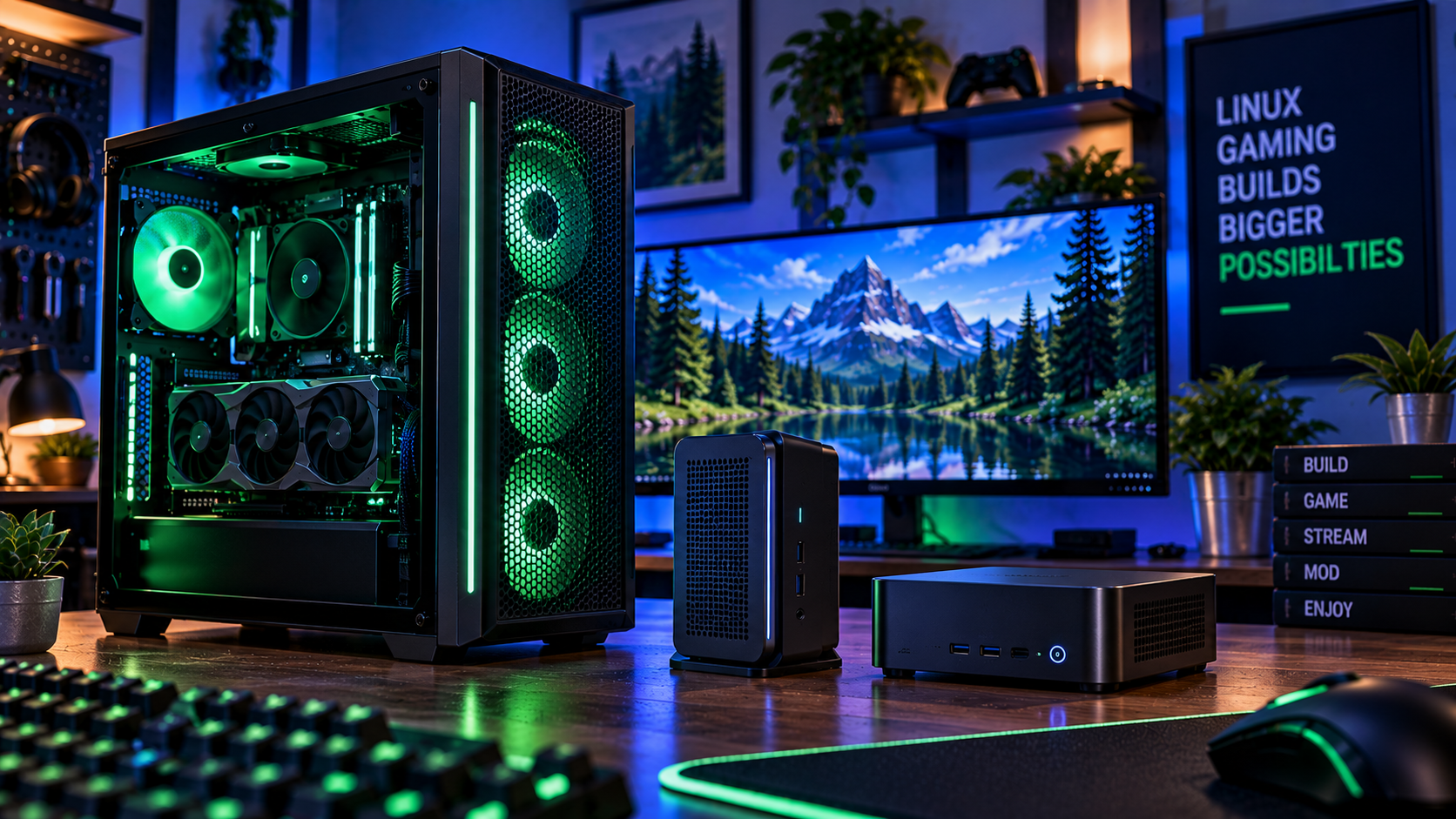
Gaming PCs & Mini PCs
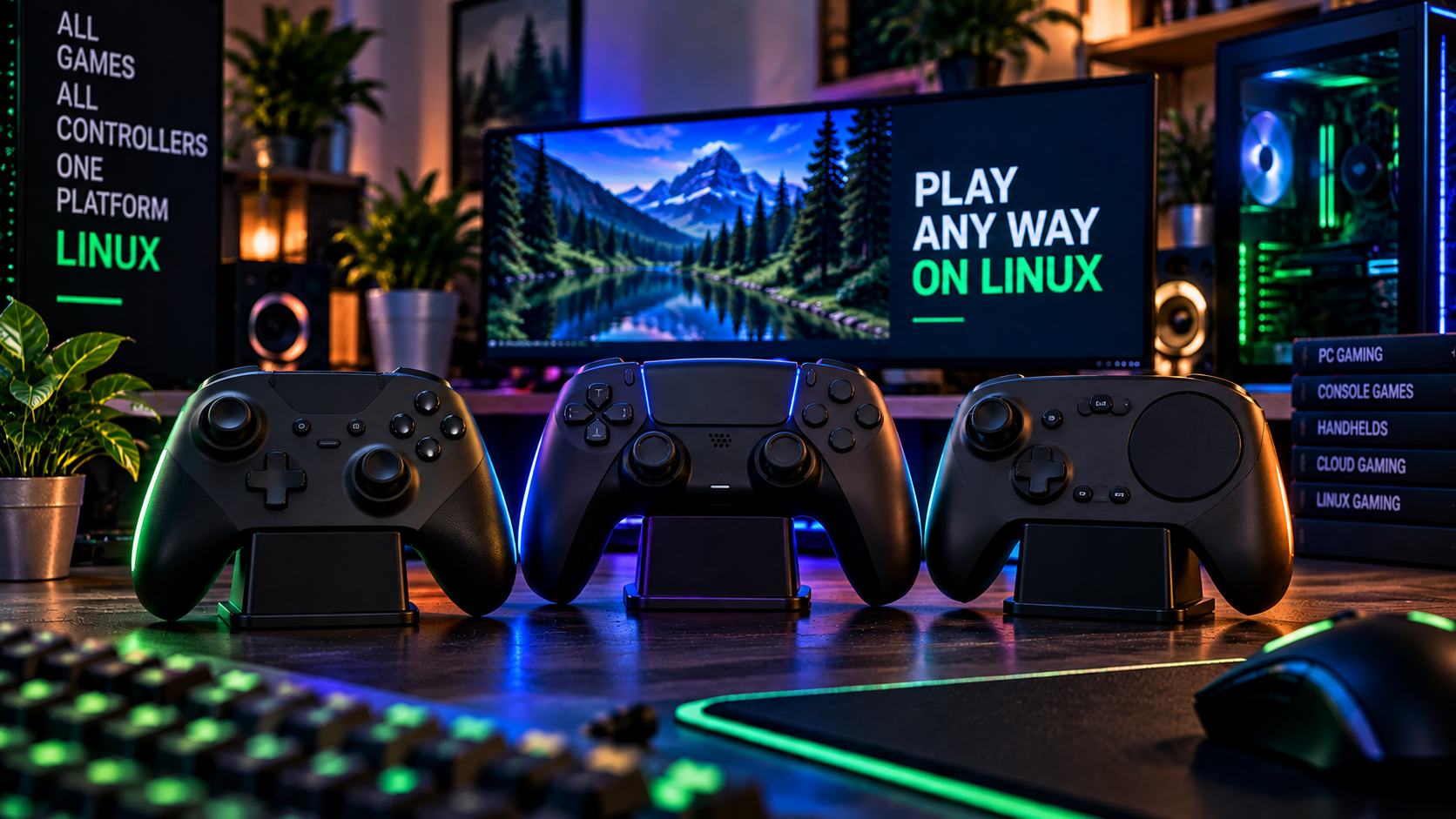
Controllers
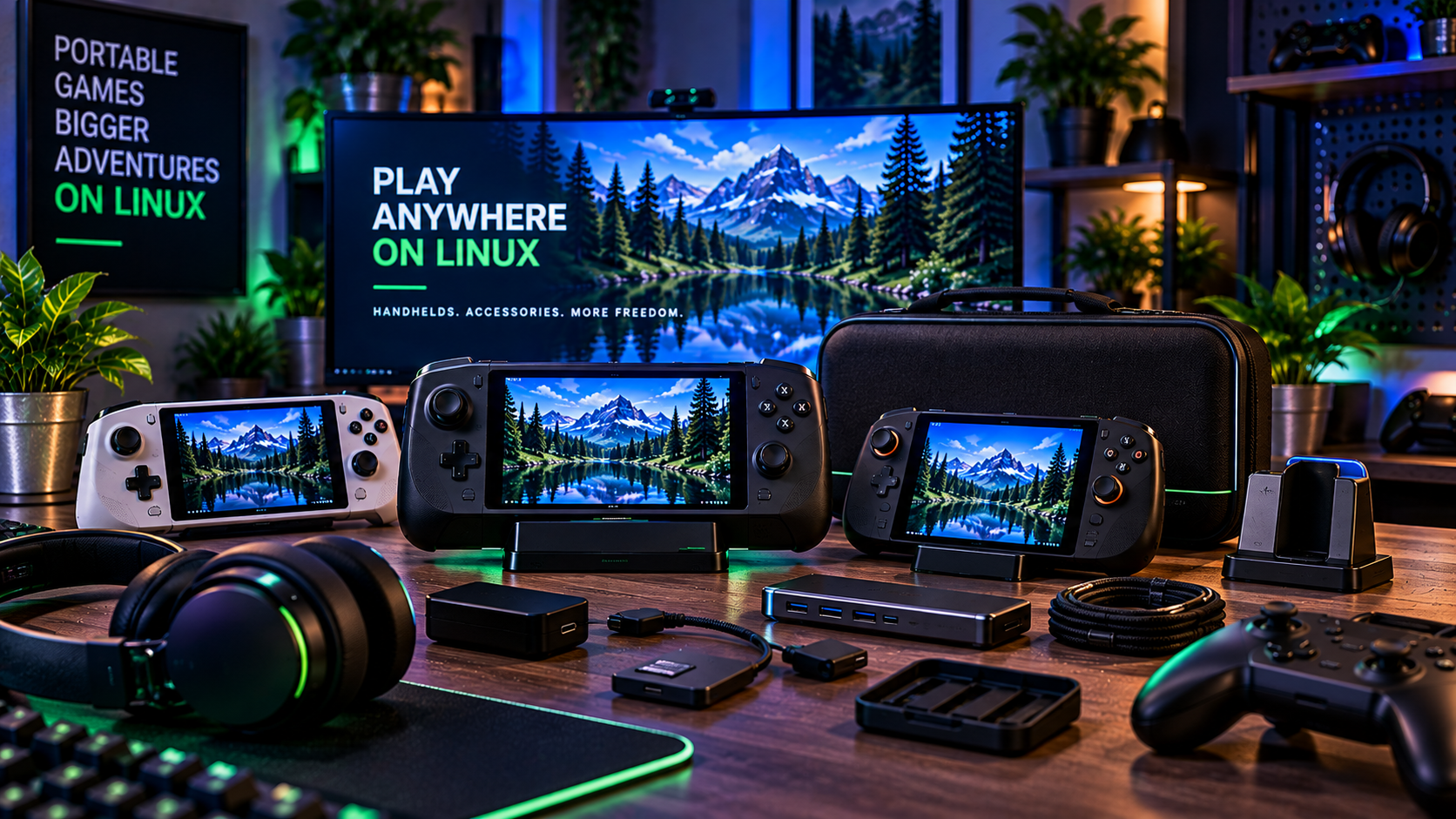
Handhelds & Accessories
Build Your Linux Gaming Knowledge
GUIDES
Linux Gaming Setup Guide
Update your system, check graphics, open Steam and test a first game.
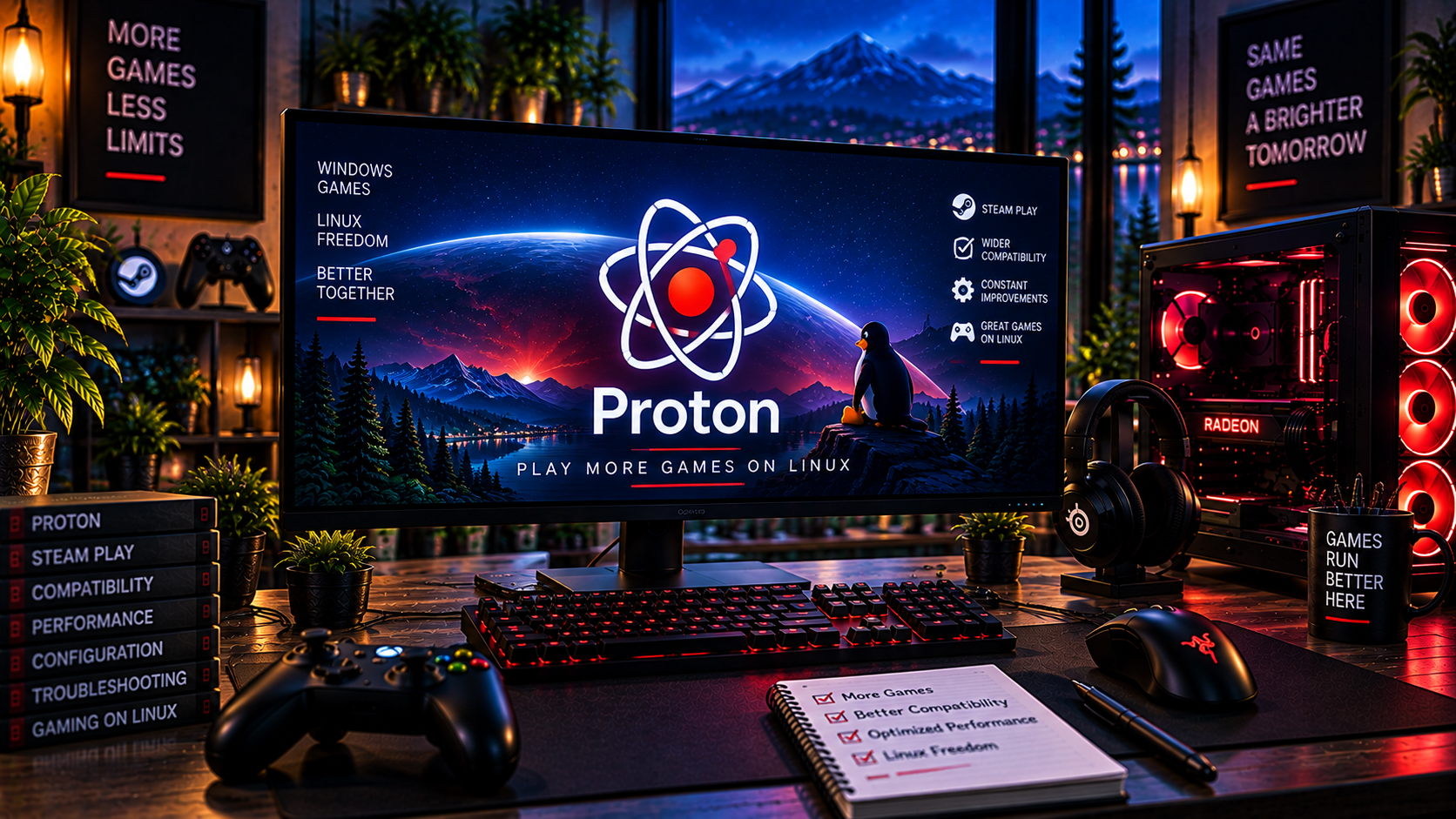
GAMES
Understanding Proton
Learn what Proton does, why versions differ and where compatibility has limits.
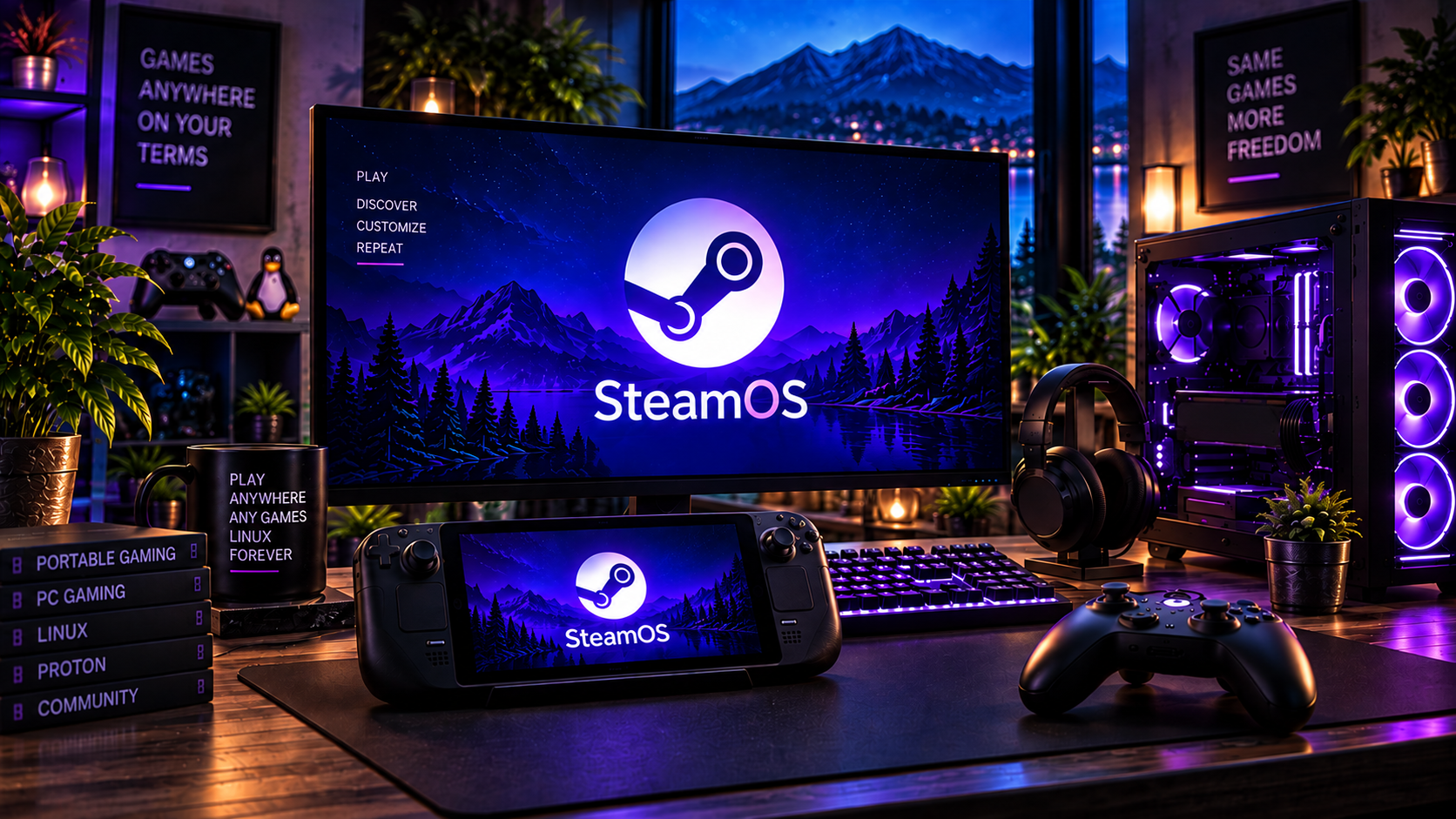
DISTROS
SteamOS for Gaming
Distinguish official hardware support, beta support and community alternatives.
KEEP BUILDING. KEEP PLAYING.
Build a Better Linux Gaming PC
Review a practical next step: check compatibility, compare distro information or read the setup guide.
GamingLinux exists to make PC gaming on Linux easier to understand, easier to set up, and easier to enjoy.