Linux gaming hardware
Check Linux support, drivers and the features you actually use before comparing specifications.
Start with compatibility
Hardware that looks fast on a specification sheet can still create extra work on Linux. Check the exact model, your distribution, the current kernel and driver path, and the features that matter to you.
- Confirm graphics-driver support for the exact GPU.
- Check Wi-Fi, Bluetooth, audio and sleep/wake on laptops and mini PCs.
- Separate basic controller or keyboard input from optional software features.
- Check display ports, refresh rates, VRR and multi-monitor needs.
GPUs
AMD, NVIDIA and Intel each use different driver paths and have different support histories. Check current distribution guidance for the exact card rather than relying on a brand-wide rule.
For older hardware, release notes matter even more. Kernel changes and legacy-driver support can change which combinations are practical.
Gaming PCs, mini PCs and laptops
Prebuilt systems need more than a CPU and GPU check. Verify networking, audio, storage controllers, display outputs and any hybrid-graphics behavior.
Laptops deserve extra attention because brightness controls, sleep, fingerprint readers and GPU switching may depend on model-specific support.
Controllers and input devices
Basic input can work even when vendor software does not. Check wired and wireless modes separately, then look at optional features such as remapping, RGB, firmware updates and battery reporting.
Handhelds
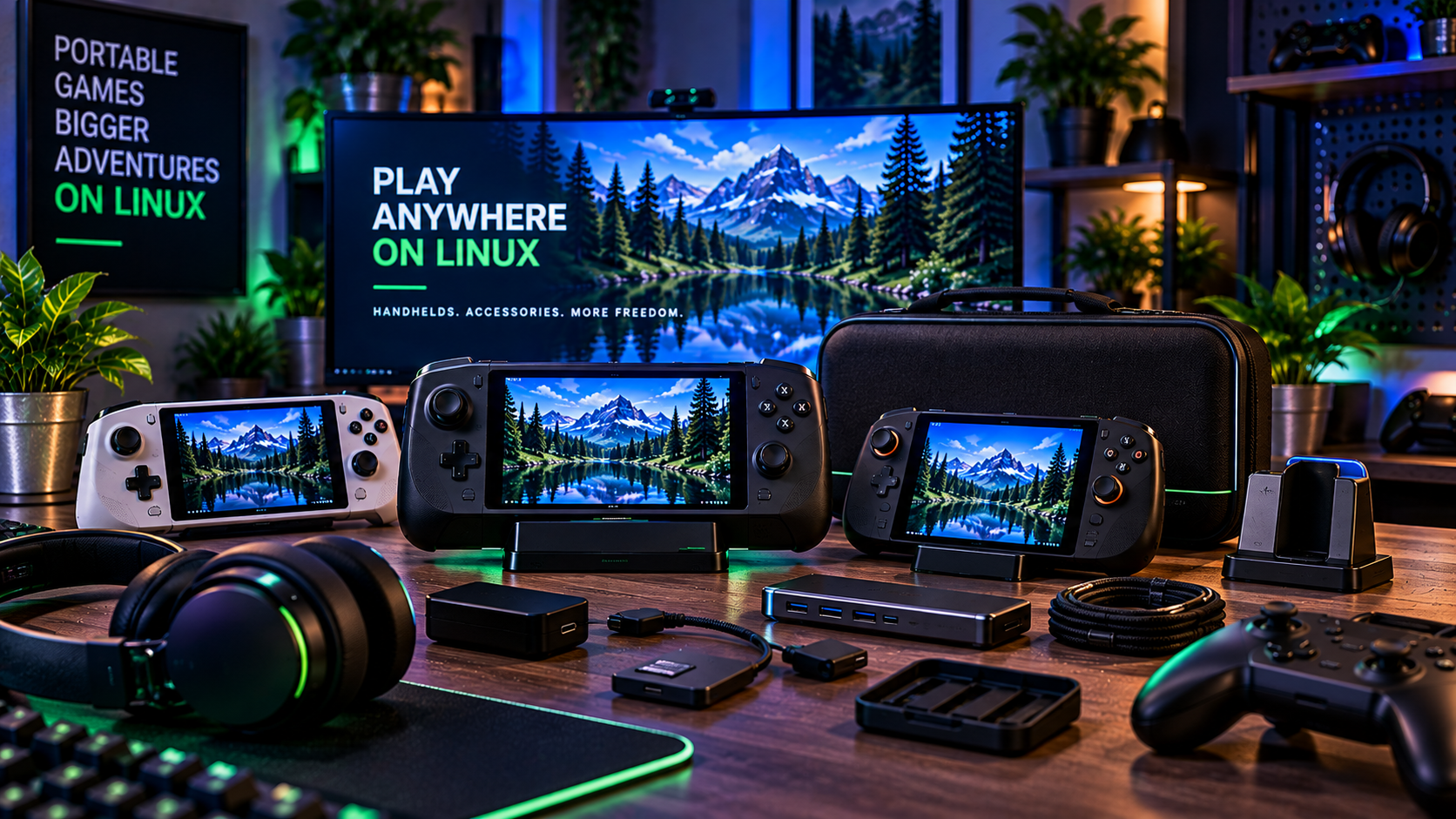
Check the exact hardware revision and the operating-system support path. Controller interfaces can look similar while suspend, audio, controls, TDP management and firmware support differ.
Storage
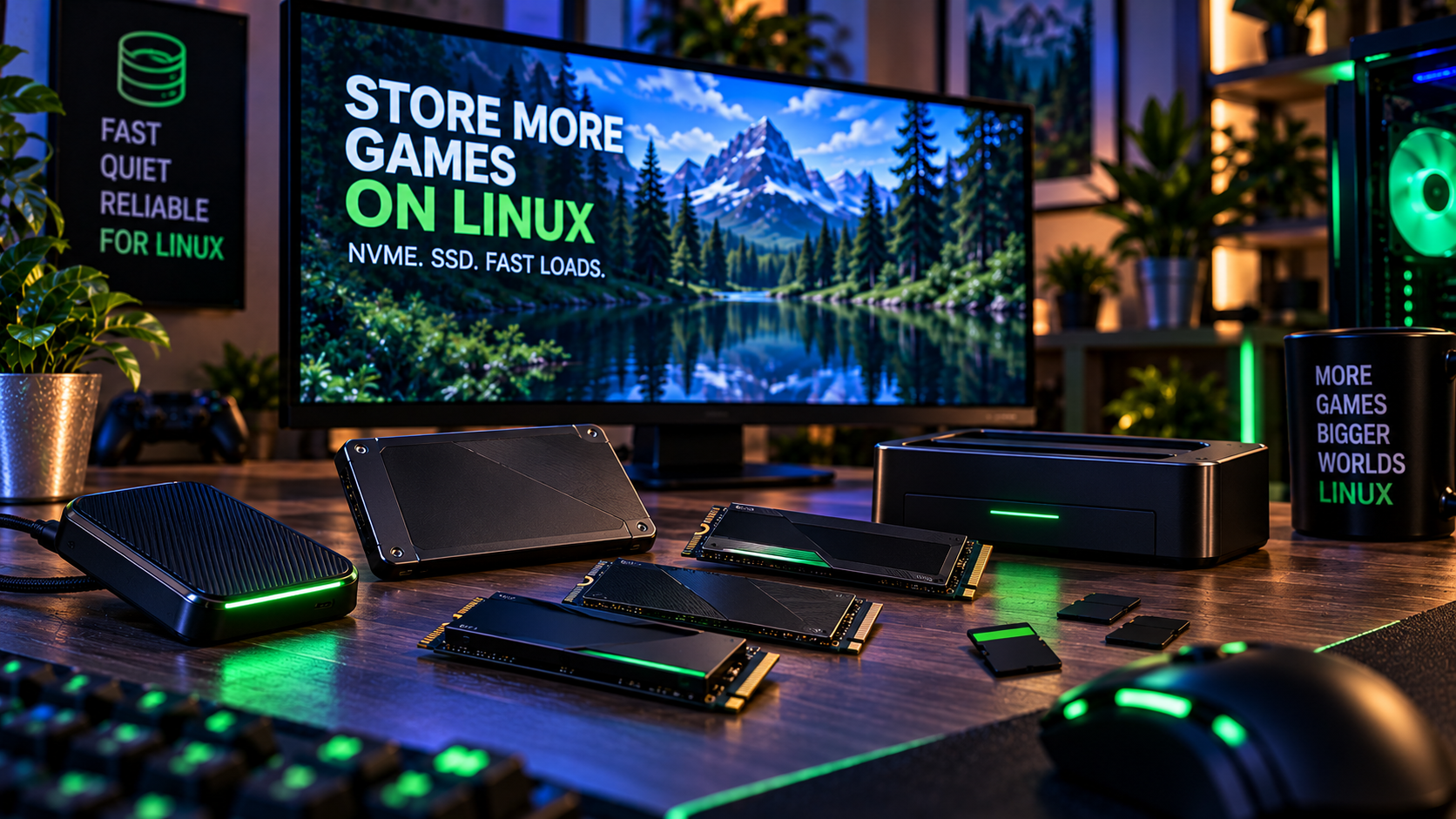
Standard SATA and NVMe storage is generally straightforward, but the system around the drive still matters. Check available slots, physical size, firmware requirements, encryption needs and whether you are sharing disks with Windows.
Displays and peripherals
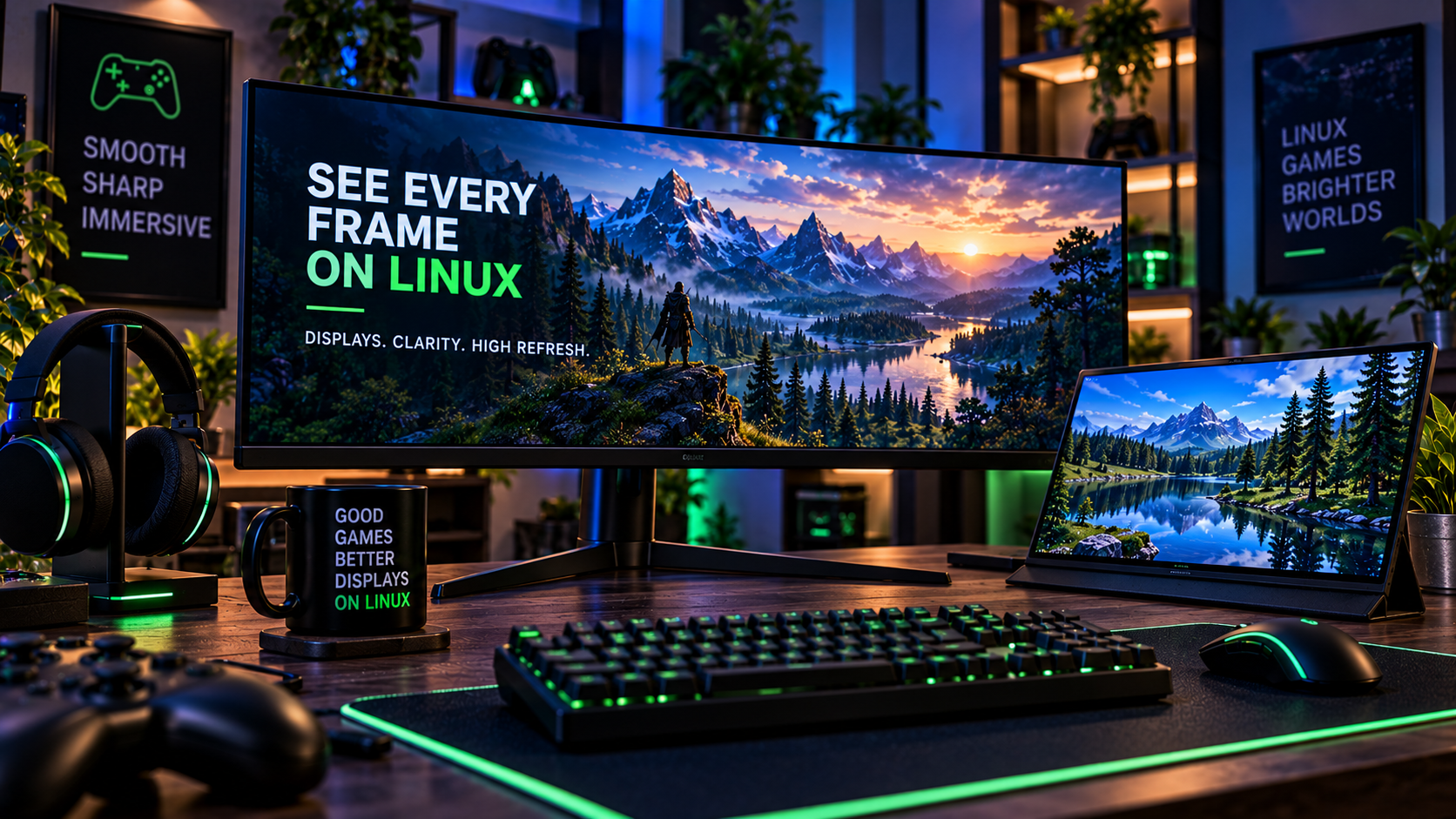
For monitors, check resolution, refresh rate, VRR, HDR expectations and the ports available on your GPU. For mice, keyboards and headsets, verify whether the functions you need depend on Windows-only configuration software.
How GamingLinux evaluates hardware
GamingLinux separates documented support from hands-on testing. A product is not labeled compatible simply because another product from the same brand works. When support is uncertain, the page should say so.